
Graphic Whizard 335SCC Slitter Blade Cleaning Protocol
When I troubleshoot rough edges on post-print jobs, a thorough cleaning routine is always my first line of defense. Follow this step-by-step cleaning protocol to restore clean cuts on your equipment.
Safety & Machine Preparation
Before touching the rotary assembly, always enforce strict lockout/tagout procedures. Power down and completely disconnect the main power source to prevent accidental motor cycling.
Remove the slitter module guards to gain clear, safe access to the upper rotary slitter wheels and lower anvils.
Lock the slitter assembly in place so the blades do not spin freely while you work.
Selecting Blade-Safe Solvents
Using the wrong solvent can ruin tool tempering or pit precision steel. For effective Graphic Whizard PT335SCC maintenance, stick to safe, residue-free solutions:
99% Isopropyl Alcohol (IPA): Quickly dissolves light digital toner buildup and dry paper dust without leaving a film.
Citrus-Based Industrial Degreasers: Breaks down heavy pressure-sensitive adhesive and UV varnish residue without damaging blade steel.
Avoid Harsh Acids or Acetone: Aggressive chemical strippers compromise blade coatings and accelerate oxidation on precision ground faces.
Non-Abrasive Cleaning Execution
Never use wire brushes, razor blades, or metal scrapers on cutting edges. Scratches create micro-grooves where adhesive accumulates twice as fast.
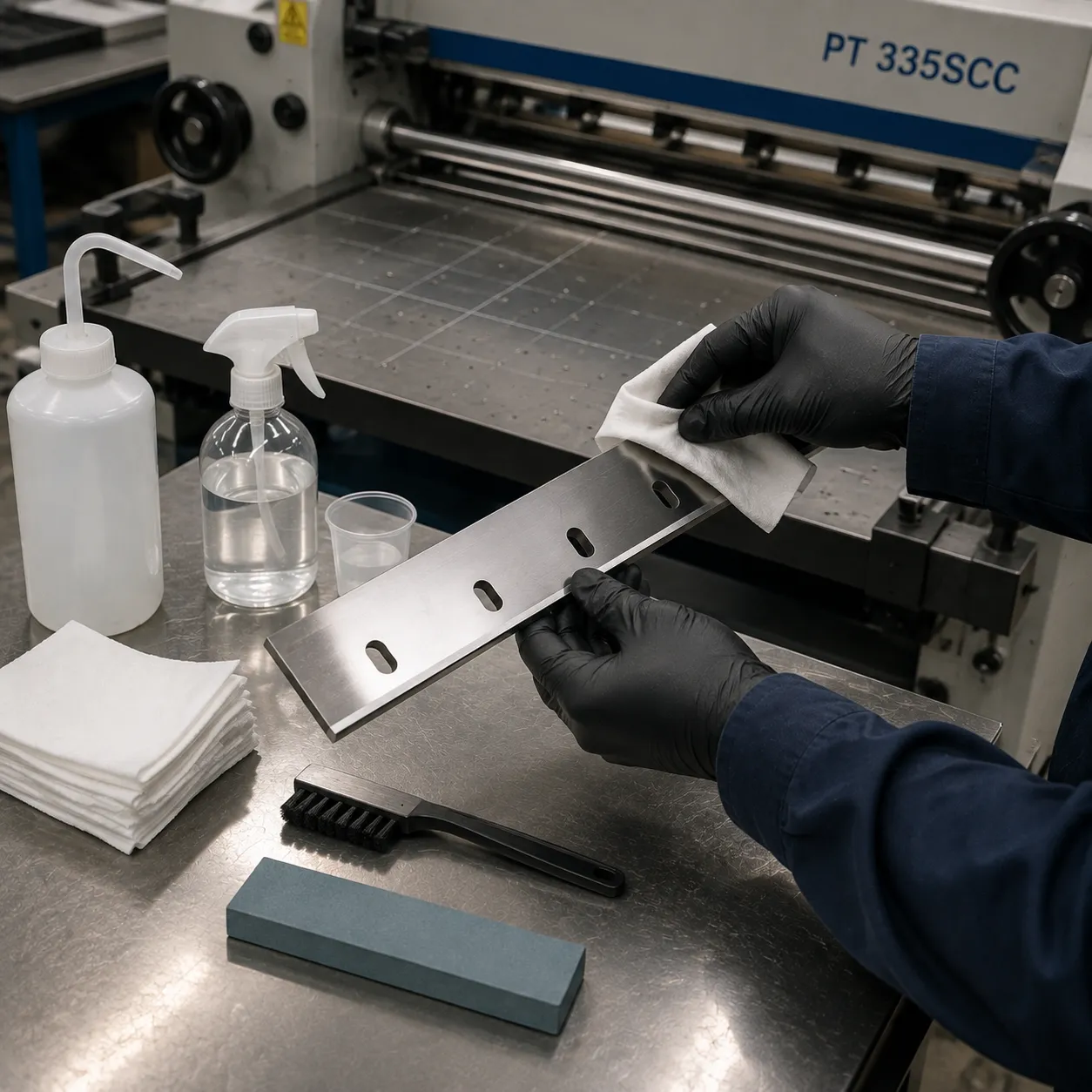
Soak a lint-free microfiber swab or shop wipe with your chosen cleaning solution.
Wipe outward along the bevel face, always moving away from the sharp edge to prevent injury.
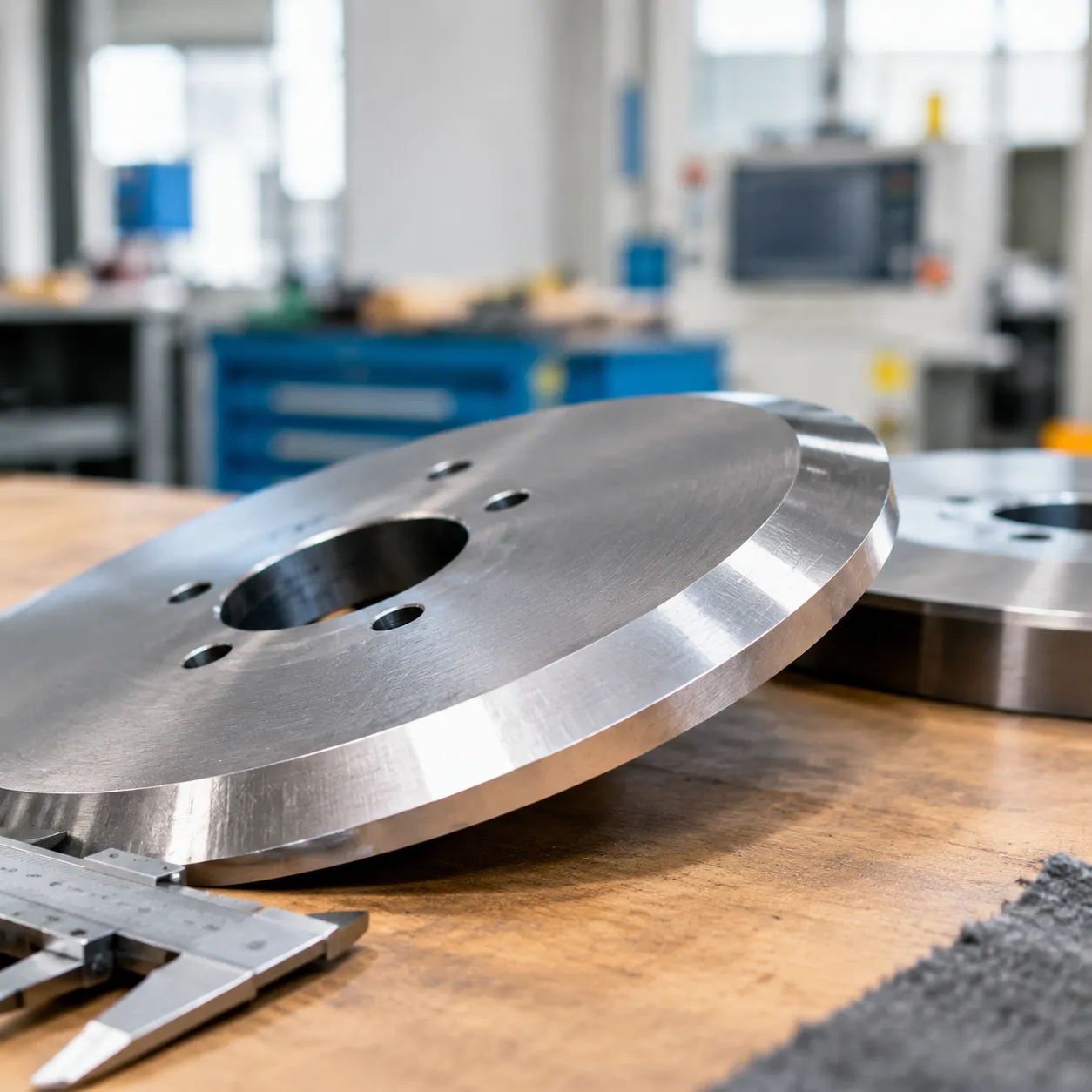
Clean both the upper rotary wheel and the lower anvil face thoroughly. Maintaining smooth surface contact on high-performance circular slitter knives ensures a clean shear action with zero paper drag.
Clearing Waste Tracks & Sensors
Graphic Whizard 335SCC slitter blade cleaning isn't complete until you clear the surrounding components to prevent instant re-contamination:
Vacuum Waste Channels: Remove paper fuzz, trim waste, and dust buildup from the slitter tracks.
Wipe Optical Sensors: Clean the optical home position sensors using a dry microfiber cloth to maintain accurate registration.
Clean Feed Rollers: Wipe adjacent rubber rollers with an approved roller restorer so leftover adhesive doesn't transfer back onto fresh paper stock.
Root Causes of Rough Edges on Graphic Whizard 335SCC / PT335SCC Slitters
Are your sheets showing fuzzy paper fibers, micro-burrs, or uneven cut lines? Before swapping out expensive tooling, you need to identify the true cause of poor edge quality.
Contamination vs. Blade Wear
Proper graphic whizard pt335scc maintenance requires diagnosing whether your rotary knives are physically damaged or simply dirty.
- Contamination: Accumulated paper dust, melted digital toner, cured UV varnish, or pressure-sensitive adhesives coat the blade bevel. The steel edge underneath remains sharp, but foreign buildup prevents clean contact.
- Physical Wear: Actual dulling, rounding, or micro-chipping along the cutting shoulder caused by high-volume friction or hard media impact.
| Indicator | Residue Contamination | Physical Blade Wear |
|---|---|---|
| Visual Look | Dark, sticky, or chalky film on blade sides | Clean metal with visible nicks or rounded edge |
| Cut Quality | Dragging fibers, sticky edges, erratic burrs | Consistent, uniform rough edge across all stocks |
| Primary Remedy | Slitter wheel residue cleaning | Blade resharpening or replacement |
Impact of Residue on Shear Geometry
Clean shear cutting relies on precise rotary slitter blade alignment and tight shear gap clearance adjustment. Microscopic contamination disrupts this balanced geometry:
- Altered Clearance Gaps: A layer of baked-on toner as thin as 0.001 inches pushes the upper slitter wheel away from the lower anvil.
- Paper Dragging: Instead of crisp shearing, the offset blade pinches and tears through paper fibers.
- Micro-Burr Formation: Sticky adhesives pull raw paper fibers upward during the cut, leaving rough, raised edges along finished print jobs.
Paper Stock Variables That Accelerate Contamination
Different print stocks create distinct wear patterns and heat conditions inside your finisher:
- Heavy Digital Cardstock: High toner coverage generates significant friction, melting wax and resin directly onto the blade edge.
- Soft Uncoated Stocks: Produce heavy paper dust that mixes with static electricity, rapidly clogging slitter tracks.
- Laminated & Pressure-Sensitive Media: Continuous friction heats up film and glue, transferring adhesive directly to the cutting bevel.
Understanding these mechanics is essential when applying graphic whizard pt335scc slitter blade cleaning tips rough edges to restore factory-level cut quality.
Graphic Whizard PT335SCC Blade Inspection & Alignment Tips
Once you finish your slitter wheel residue cleaning, you need to verify whether persistent rough edges stem from physical blade damage or improper shear alignment. Following these targeted Graphic Whizard 335SCC slitter blade cleaning tips rough edges troubleshooting steps will help restore crisp cuts.
Visual & Tactile Inspection
- Magnified Edge Check: Use a 10x eye loupe to examine the cutting bevel under direct light. Look for micro-chipping, hairline nicks, or localized edge rounding that solvent cleaning cannot fix.
- Tactile Felt Test: Gently glide a lint-free cotton swab along the bevel edge. Any caught fibers signal structural blade damage rather than soft surface buildup.
Verifying Shear Gap & Clearance
- Precise Rotary Alignment: Execute precise rotary slitter blade alignment by resetting the upper slitter wheels to lower anvils, keeping tolerances within strict limits (± 0.001 mm target clearance).
- Spring Pressure Setup: Calibrate your slitting anvil pressure setup to maintain continuous point contact across the shear point without applying excess force that dulls edges prematurely.
- Shear Geometry: Proper lap depth prevents paper dragging and micro-burrs. For high-volume production, maintaining precise geometry with heavy-duty shear slitting knives ensures smooth operation across all stock weights.
Test Strip Quality Check
- Coated Stock Testing: Pass test sheets of heavy 300+ gsm coated digital stock through the module to evaluate cut quality.
- Micro-Burr Audit: Check the cut profile under magnification to ensure zero paper dust generation or edge dragging.
- Dimensional Accuracy: Measure the finished strip dimensions at multiple points along the sheet to verify zero lateral blade deflection during high-speed slitting.
When Cleaning Fails: Resharpening vs. PT335SCC Blade Replacement
When thorough cleaning fails to resolve rough edges on your Graphic Whizard 335SCC or PT335SCC, the blade has likely passed the point where solvent maintenance can restore performance. Pushing worn tooling past its service life damages expensive stock, generates persistent paper dust, and places unnecessary mechanical stress on your unit's slitter motor.
Identifying Irreversible Blade Wear
Inspect your rotary slitter wheels under magnification to spot structural damage that cleaning cannot fix:
- Micro-Chipping & Nicks: Physical gaps or notches along the shear edge create distinct, repeating line defects and rough tears on heavy cardstock.
- Thermal Breakdown: Discoloration (blue or dark purple oxidation spots) along the bevel indicates severe friction heat, which degrades the metal's heat treatment and temper.
- Bevel Rounding: The shear geometry is completely worn down, turning what should be a clean pinch cut into an aggressive crushing action that produces micro-burrs.
- Excessive Diameter Reduction: Over-ground blades from repeated sharpening fail to maintain the required lap depth and overlap with the lower anvil.
Tooling Material Upgrades
When replacing worn unit blades, selecting the right steel grade directly impacts maintenance frequency and edge life. Review our detailed carbide vs steel knives guide to evaluate how high-performance metallurgy resists adhesive drag and dulling.
| Material Grade | Hardness | Core Performance Profile | Recommended Application |
|---|---|---|---|
| D2 / SKD11 Cold Work Steel | 58–62 HRC | Solid toughness, budget-friendly baseline wear resistance | Standard offset paper, light digital uncoated stock |
| M2 / SKH51 High-Speed Steel | 62–66 HRC | Superior heat resistance, retains sharp bevel geometry under heavy friction | Heavy coated cardstock, UV varnishes, long runs |
| Tungsten Carbide Inlaid | 88–92 HRA | Exceptional hardness, 10x–20x longer wear life between sharpenings | Soft-touch laminates, synthetic media, high-volume production |
Precision OEM Replacement Slitter Blades from Sharkcutting
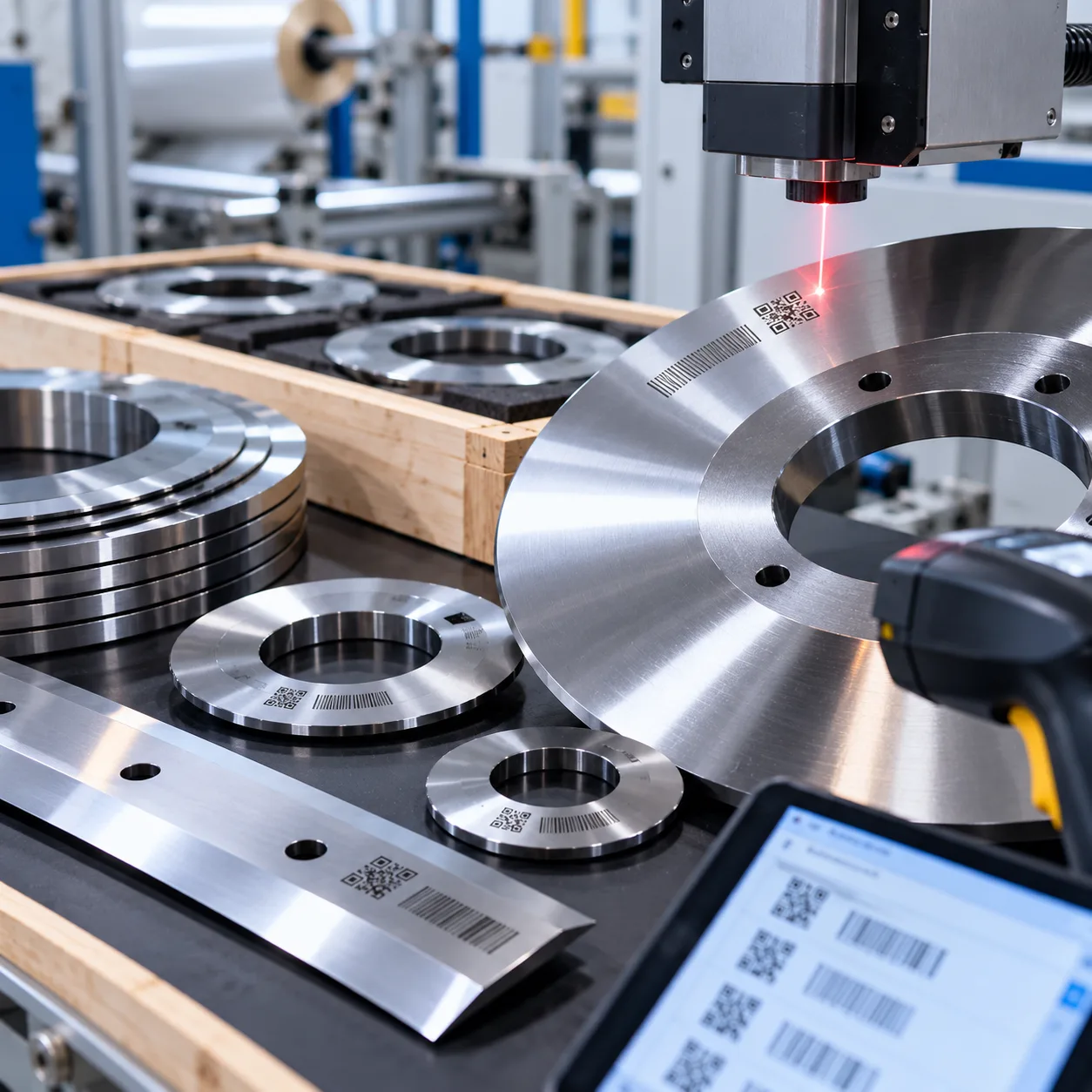
When thorough Graphic Whizard 335SCC slitter blade cleaning no longer removes rough edges, worn tooling requires precision replacement to maintain clean shear lines. We custom-manufacture direct-fit rotary slitter wheels tailored to exact Graphic Whizard 335SCC and PT335SCC specifications.
| Tooling Feature | Sharkcutting OEM Blade Advantage |
|---|---|
| Dimensional Fit | 100% direct-fit replacement for Graphic Whizard 335SCC / PT335SCC slitters |
| Surface Finish | Ultra-smooth CNC-ground finish with surface roughness Ra < 0.1 µm |
| Cutting Quality | Zero-burr performance with reduced adhesive buildup and paper drag |
| Material Options | Premium M2 High-Speed Steel, D2 Cold Work Steel, or Tungsten Carbide |
We manufacture specialized OEM industrial knives engineered to eliminate slitting micro-burrs and edge dragging. Through our direct OEM customization services, you get exact-spec tooling optimized for heavy digital cardstock, soft uncoated papers, and tough laminated media.
- 100% Fit Guarantee: Seamless drop-in compatibility prevents alignment issues and maintains precise shear gaps.
- 24-Hour Quote Turnaround: Quick factory-direct responses keep your print finishing equipment running with minimal downtime.
- Expert Technical Support: Direct consultations with our tooling engineers to select optimal blade metallurgy for your production needs.
Graphic Whizard Slitter Blade Maintenance FAQs
How often should Graphic Whizard 335SCC slitter blades be cleaned?
Clean your slitter wheels at the end of every production shift, or immediately after running heavy digital toner, UV varnishes, or pressure-sensitive adhesive stocks. Establishing routine graphic whizard 335scc slitter blade cleaning prevents hardened buildup from altering your shear geometry and dragging paper edges.
What solvents safely remove toner and adhesive without dulling PT335SCC blades?
Use 99% isopropyl alcohol (IPA) or non-corrosive citrus-based degreasers applied with lint-free microfiber swabs. Avoid chlorinated solvents, harsh acids, or abrasive wire brushes that scratch precision-ground faces. Following standard knife maintenance best practices keeps steel tempering intact while safely stripping stubborn wax and resin buildup.
How can you tell if rough paper edges require cleaning or blade replacement?
Follow these diagnostic checks to isolate the issue:
Contamination: Paper dust or sticky residue wipes off cleanly with solvent, immediately restoring a smooth, square cut edge.
Blade Wear: The blade edge exhibits visible micro-chipping, nicks, or a rounded bevel under magnification that persists after wiping. Physical dullness requires blade resharpening or replacement.
What gap tolerance prevents micro-burrs and dragging during high-speed slitting?
Set your rotary slitter wheels with a tight shear gap tolerance of ±0.001 mm relative to the lower anvil. Proper lateral spring pressure ensures a crisp shearing action without micro-burrs, paper pinching, or edge dragging on heavy coated stock.